
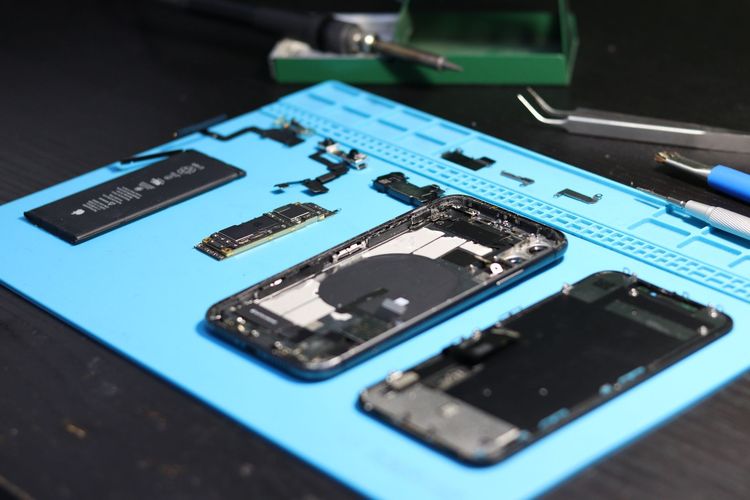
Battery reviews should separate marketing charge speeds from sustainable daily use.
What to Do Before Replacing a Phone Battery
A weak phone battery is annoying in a specific way. The phone drops from 40 percent to 12 percent, warms up during simple tasks, dies on a commute, or needs a charger in every room. Replacing the battery can be the right move, but it is worth doing a few checks first. Some problems are battery age. Some are software, signal, storage, heat, or a failing charger.
Check the obvious symptoms
Battery replacement is more likely to help when the phone is several years old, battery health is reported as degraded, shutdowns happen under load, or runtime has clearly fallen after many charge cycles. It may help less when drain started after a new app, a major software update, travel in poor signal areas, or a damaged charging cable.
Apple explains battery aging and performance management for iPhone users here: https://support.apple.com/iphone/repair/battery-replacement. Android support varies by manufacturer, so check the brand’s official support page for battery diagnostics and repair terms.
Back up before any repair
Back up the phone before handing it to a repair shop. A battery repair should not erase data, but accidents happen. The device may need diagnostics, reset, replacement, or shipping. Backups protect photos, messages, authenticator apps, notes, and settings.
For iPhone, check iCloud or local computer backups. For Android, check Google backup, manufacturer cloud tools if used, and app-specific backups. Pay special attention to two-factor authentication apps, banking apps, encrypted chats, and local files that do not automatically sync.
A pre-repair checklist
- Update the phone if an update is pending and reviews do not show major battery bugs.
- Restart the phone and watch battery behavior for a day.
- Check battery health or diagnostics if the system provides them.
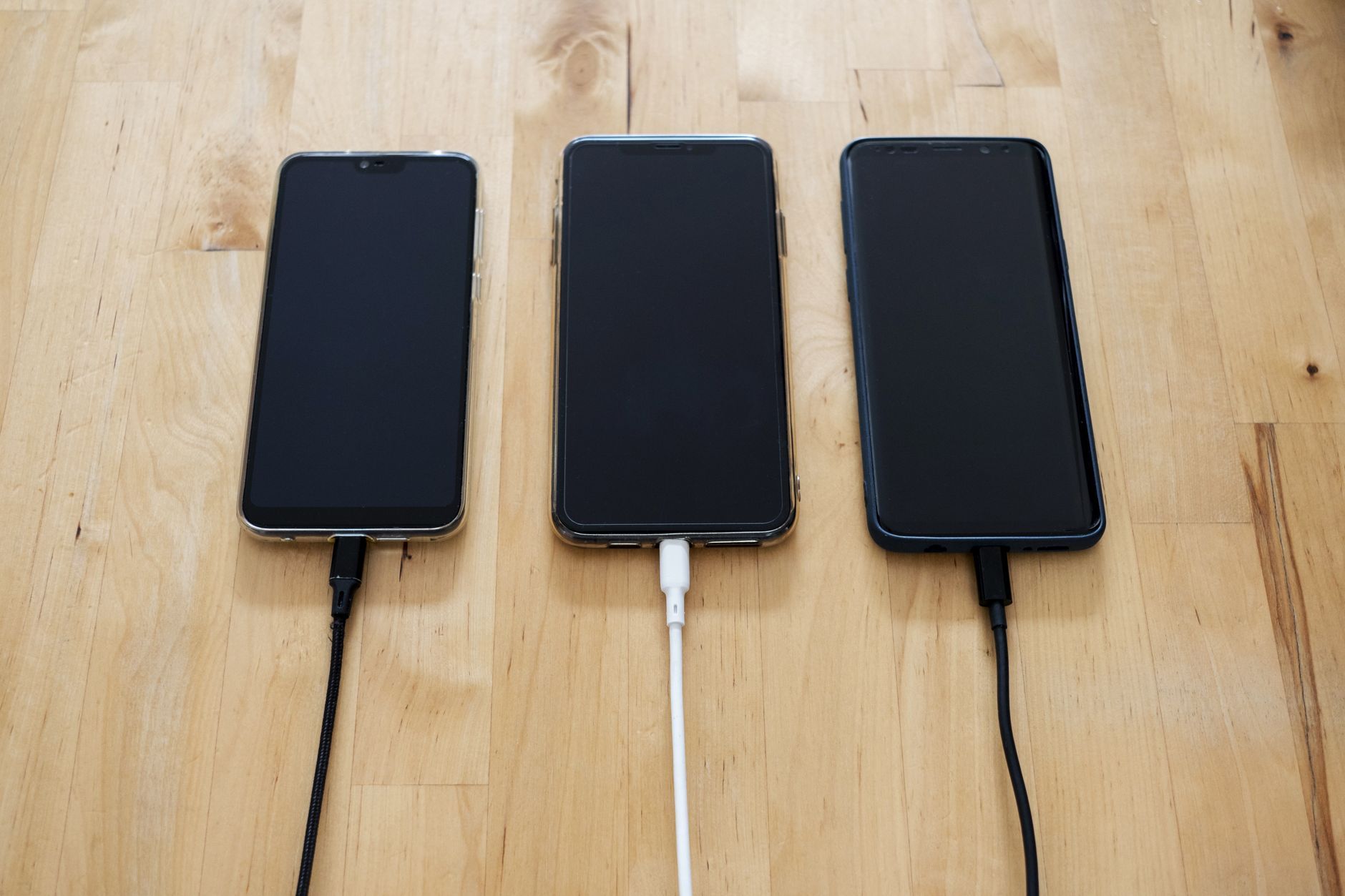
- Try a known-good charger and cable.
- Review recent apps with high background use.
- Back up data and confirm the backup completed.
- Remove cases, cards, and accessories before drop-off.
- Ask whether water damage, swollen batteries, or screen damage changes the repair price.
Swollen batteries are different
If the screen is lifting, the back panel is separating, the phone rocks on a flat table, or the battery area looks swollen, stop pressing on it. Do not charge it overnight or try to flatten the device. Lithium-ion batteries can be hazardous when damaged.
The U.S. Consumer Product Safety Commission has safety information about lithium-ion battery risks and recalls: https://www.cpsc.gov/Safety-Education/Safety-Education-Centers/Lithium-Ion-Battery-Safety. For a swollen phone battery, contact the manufacturer or a qualified repair provider and follow their handling instructions.
Warranty and official repair options
Check warranty, consumer-law coverage, insurance, and manufacturer repair pricing before choosing a shop. Official repair may cost more, but it can preserve water resistance ratings, parts pairing, diagnostics, and future support. Third-party repair may be cheaper or faster, especially for older phones, but quality varies.
Ask direct questions: Is the battery new? Is it original or third-party? What warranty covers the repair? Will water resistance be affected? Will the phone show parts warnings? How long will the repair take? What happens if another issue is found?
Do not skip the charger test
Sometimes the battery gets blamed for a failing cable, dirty port, weak power adapter, or unreliable wireless charger. If the phone charges slowly or intermittently, test with a known-good cable and adapter. Check the port for lint only if you know how to clean it gently; do not scrape with metal tools.
Heat also matters. Phones lose battery faster when hot, and charging in heat can worsen wear. If the phone is used in a car mount under sun, under a pillow, or while gaming during charging, changing habits may help even after a new battery.
Set realistic expectations
A new battery can improve runtime, but it will not make an old phone feel new in every way. A worn processor, limited RAM, low storage, old modem, weak camera, or unsupported software will remain. If the phone no longer receives security updates, battery replacement may not be the best investment.
Compare repair cost with the price of a reliable used or refurbished phone. For a device you plan to keep another year or two, a battery can be sensible. For a phone with a cracked screen, failing port, and no updates, replacement may be cleaner.
After the repair
Watch the phone for a few days. Check charging, heat, battery percentage behavior, and whether any warnings appear. Keep the repair receipt. Avoid judging the new battery after one strange day of app updates and reindexing. But if the phone drains rapidly, shuts down, or heats unusually, contact the repair provider promptly.
A battery replacement is a practical repair, not a ritual. Back up, diagnose, ask about parts, and take swelling seriously. The goal is not to chase perfect battery health. It is to avoid paying for the wrong fix.
Battery health numbers are clues, not verdicts
A battery-health percentage can help, but it does not tell the whole story. Two phones with the same reported health can behave differently because of heat exposure, app load, signal conditions, storage pressure, and charging habits. Treat the number as one clue alongside shutdowns, runtime, and age.
If the phone reports service recommended or battery degraded, take that seriously. If the number looks fine but the phone still dies early, check app usage and signal before assuming the battery is innocent. Poor cellular signal can drain power quickly because the phone works harder to stay connected.
Repair-shop conversation script
Before booking, ask: What battery will you use? Is it original, manufacturer-approved, or third-party? How long is the repair warranty? Could the repair affect water resistance? Will data remain on the phone? What happens if the technician finds swollen cells, frame damage, or a failing charging port? Are taxes and diagnostic fees included?
A good shop should answer plainly. Evasive answers are useful information. Battery work involves safety and trust, so price should not be the only deciding factor.
When replacement beats repair
Sometimes replacing the phone is the better use of money. That may be true if the device no longer receives security updates, the screen is cracked, the charging port is failing, the camera is damaged, or storage is too small for current use. Add the likely repairs together before deciding.
For a phone that still meets your needs, a battery can extend life and reduce electronic waste. For a phone with several aging parts, a battery may only postpone a bigger purchase by a few frustrating months.
Data and account access before the appointment
Battery repairs usually leave data alone, but a careful owner still prepares as if the phone might need a reset. Back up photos, messages, authenticator recovery codes, and important documents. Check that you know the device passcode and the password for the linked Apple, Google, or manufacturer account. If two-factor prompts usually arrive on that same phone, set up a backup method before handing it over.
Also remove what the technician does not need. Log out of highly sensitive apps where practical, turn off wallet cards if the repair provider recommends it, and ask whether the phone must be unlocked. A repair should not become an account-recovery problem.