
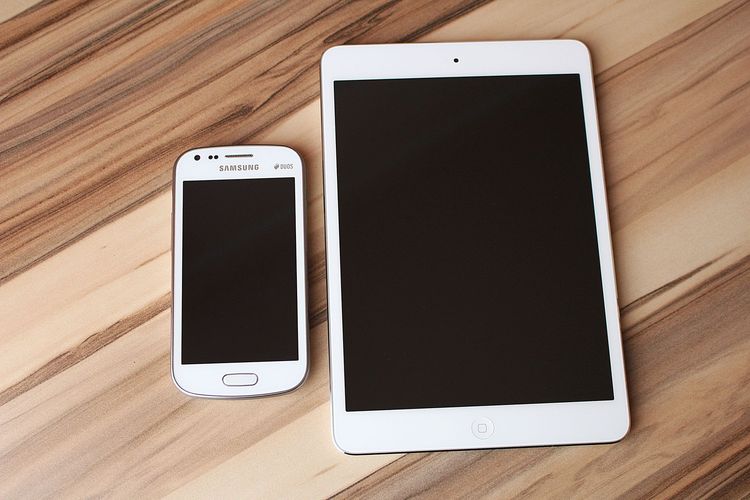
Buying guides should make tradeoffs visible before a reader compares prices.
By Tech Mobile Review
Editorial note: This article is general consumer technology information. Phone models, dimensions, software has, and prices change often, so check current manufacturer specifications before buying.
A phone can feel impressive in a store and annoying two weeks later. Screen size is one reason. A large display makes video, maps, photos, and reading easier. It can also make pockets worse, one-handed use harder, and bedtime scrolling more awkward. A compact phone is easier to carry but may feel cramped for typing, editing, or navigation.
The best screen size is not the largest number. It is the size that fits the way you actually use the device.
Start with your hands, not the spec sheet
Screen size is usually measured diagonally, but diagonal size does not tell the whole story. Aspect ratio, bezel shape, case thickness, weight, and curved edges affect how the phone feels. Two phones with similar screen sizes can feel different in the hand.
Before buying, try the gestures you use every day: typing a message, reaching the back button, pulling down notifications, taking a photo, and putting the phone into your pocket. If the phone already feels like a stretch during those basic actions, the novelty may wear off quickly.
Reading and video reward larger screens
A larger screen can reduce zooming and make long articles, subtitles, maps, spreadsheets, and videos easier to view. If your phone is your main reading device, a bigger display may be worth the tradeoff.
But ask whether you read actively or passively. If you mostly skim messages and headlines, a huge screen may not change much. If you edit documents, review photos, study, or watch long videos, extra space can matter.
Typing is personal
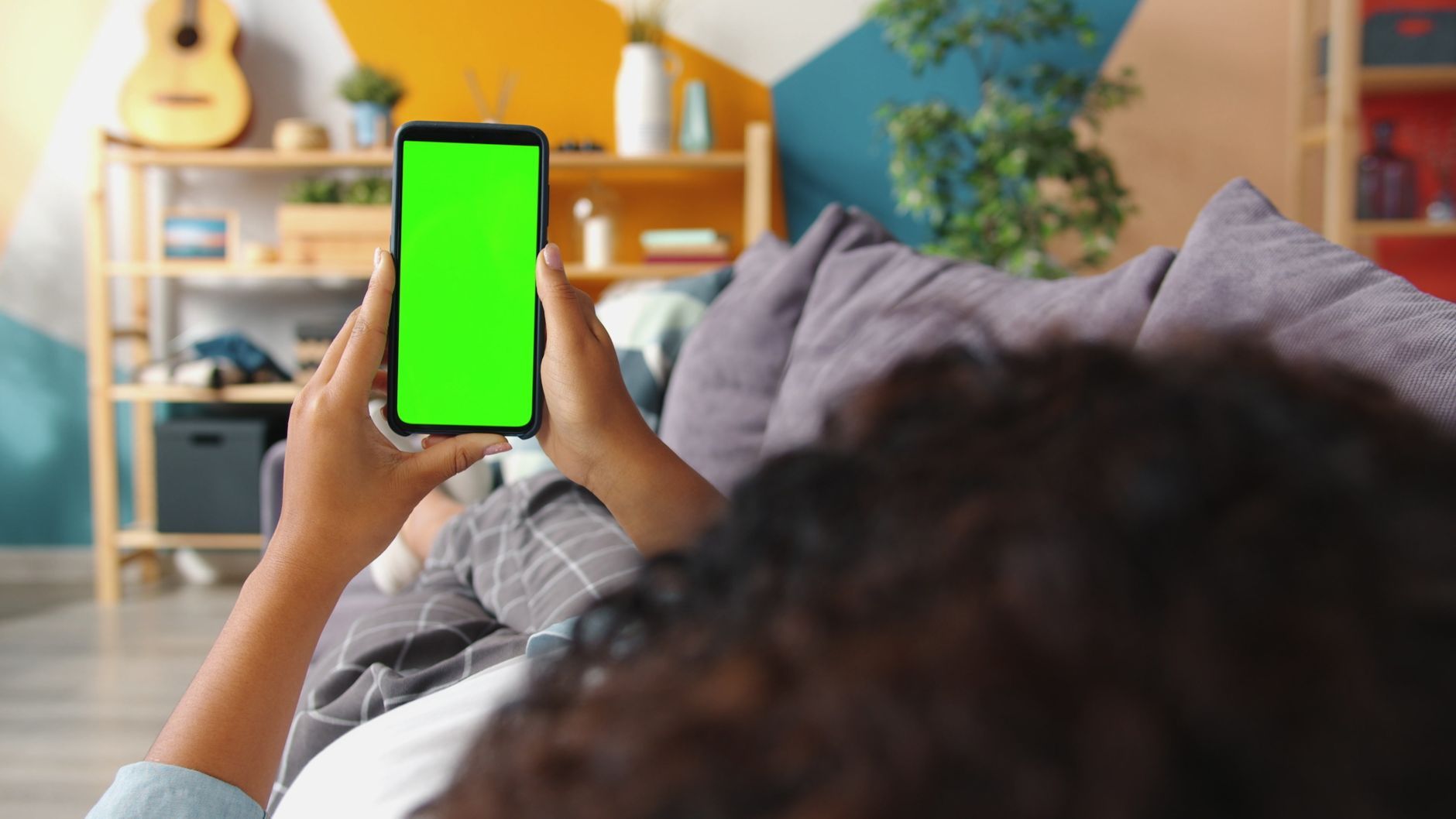
Some people type better on a larger keyboard. Others make more mistakes because the device is harder to balance. If possible, type a paragraph on the phone before choosing. Do it standing, not only seated at a counter.
Voice input and swipe keyboards can change the equation. A person who dictates often may care less about keyboard width. A person who writes long emails by thumb may care a lot.
Pockets, bags, and daily movement
The phone lives in the world, not only in your hand. Check where it will go: jeans pocket, jacket pocket, running belt, small purse, bike mount, car tray, bedside stand, or work uniform. A phone that is beautiful on a desk may be irritating during errands.
Cases add size. If you use a protective case, grip, wallet attachment, or car mount, include that in the decision.
Battery and size are related, but not simple
Larger phones often have room for larger batteries, but bigger screens also use energy. Software, processor efficiency, refresh rate, brightness, signal strength, and battery capacity all matter. Do not assume large automatically means longer-lasting.
Check current battery tests from sources you trust and compare your habits. Navigation, gaming, video recording, and hotspot use drain differently from messaging.
Cameras can push buyers larger
Manufacturers often reserve some camera has for larger or premium models. If camera quality is your main reason to upgrade, screen size may be tied to the model tier. Still, do not buy an uncomfortable phone only for a feature you rarely use.
Ask what photos you take most: family snapshots, travel, documents, pets, products, night scenes, or video. The best camera is the one you will carry and hold steadily.
A practical decision table
| Priority | Smaller phone may fit | Larger phone may fit |
|---|---|---|
| One-handed use | better reach | harder reach |
| Reading | more zooming | easier layout |
| Maps | less route context | more visible detail |
| Pocket comfort | usually better | depends on clothes |
| Video | less immersive | more comfortable |
| Typing | may feel cramped | may feel stable or too wide |
Try a one-week imagination test
Before buying, imagine the same phone in five situations: walking with groceries, typing a password, taking a photo with one hand, reading in bed, and using maps in a car mount. The right choice usually becomes clearer when you picture real scenes.
The simple recommendation
Choose compact if carry comfort and one-handed use matter most. Choose medium if you want balance. Choose large if reading, maps, video, camera has, or battery options matter enough to accept the size.
A phone is handled dozens of times a day. Screen size is not a luxury detail. It is a daily ergonomics decision.
Consider accessibility settings
Screen size interacts with text size, display zoom, keyboard settings, and reachability has. A smaller phone with larger text may show less content than expected. A larger phone with one-handed mode may feel more manageable than its dimensions suggest.
Before deciding, test the settings you would actually use. Increase text size, open a long article, type a message, and check whether buttons remain comfortable. A showroom phone at default settings may not reflect your daily setup.
Cases change the decision
A slim phone can become wide with a rugged case. A large phone can become easier to hold with a textured case or grip. Wallet cases add bulk. Camera bumps can affect how the phone sits on a table.
If you always use a case, evaluate the phone with one. The bare device is not the device you will carry.
Small phones can cost more in compromise
Compact models sometimes have fewer cameras, smaller batteries, slower charging, reduced cooling, or fewer premium has. That is not always true, but it is common enough to check. A buyer who wants a small phone may need to decide which has matter most.
The opposite is also true: a large phone may offer impressive has you do not need. Paying for size and capability only makes sense if they improve your real use.
A store test script
Open a notes app and type two sentences. Open a browser and read a paragraph. Open the camera and take a one-handed photo. Pull down quick settings. Put the phone in a pocket or bag if possible. Hold it for a full minute, not ten seconds.
This test is simple, but it catches problems specs hide.
When medium is the best answer
Many buyers are happiest with the middle size. It offers enough space for reading and maps without becoming a small tablet. It fits more pockets than ultra-large models and feels less cramped than compact models.
The middle choice may seem less exciting, but phones are daily tools. Boring comfort often wins after the novelty fades.
Think about where the phone rests
A phone is not always in your hand. It rests on a desk, nightstand, treadmill shelf, car mount, kitchen counter, tripod, or charging stand. A very large phone may work well for video calls on a stand but poorly in a running belt. A smaller phone may be easy to pocket but harder to read while cooking from a recipe.
List the three places your phone spends the most time. That list may reveal the better size faster than a spec comparison.
Shared use can matter
Some people hand their phone to children for video calls, to older relatives for photos, or to coworkers for scanning a document. A larger screen can help shared viewing. A smaller phone can be easier for quick private use.
If the phone is often used as a tiny shared screen, include that in the decision. If it is mostly a personal pocket tool, comfort may matter more.
Future-proofing without overspending
Buy a little extra screen if your habits are moving toward reading, maps, editing, or video. Do not buy the biggest phone only because it seems more future-proof. Size is not storage. You cannot ignore discomfort for three years without feeling it every day.
Compare familiar models, not abstract inches
Instead of thinking only in diagonal inches, compare current common phone sizes. A compact model, a mainstream model, and a large premium model may differ by only a small number on paper but feel very different in reach and weight. Manufacturer spec pages list height, width, depth, and weight; those dimensions are often more useful than diagonal screen size alone.
Use examples from brands you already know, such as iPhone, Samsung Galaxy, Google Pixel, or Motorola. The goal is not to recommend one model here. It is to make the size difference concrete.
A better store checklist
- Can you type a sentence without shifting grip?
- Can you reach the top controls or use reachability comfortably?
- Does the phone fit your normal pocket, bag, or phone armband?
- Can you take a one-handed photo without feeling like you will drop it?
- Does the case you would buy make it too wide?
Ergonomics beats novelty
Large screens often win the first impression. Ergonomics wins the third month. If a phone causes wrist strain, pocket frustration, or constant grip shifting, the display benefit may not be worth it.
Quick takeaways before you compare sizes
- Choose compact if one-handed use and pocket comfort matter most.
- Choose medium if you want balance for reading, maps, and daily carry.
- Choose large if video, editing, navigation, or camera tools matter enough to accept the weight.
- Compare height, width, weight, and case size, not diagonal screen size alone.
Source notes for current models
Use current manufacturer spec pages for iPhone, Samsung Galaxy, Google Pixel, Motorola, or any model you are considering. Those pages list dimensions and weight. Review sites such as GSMArena can help compare measurements side by side, but final specs should come from the manufacturer before purchase.
FAQ
Is a bigger phone always better for battery life?
No. A larger body may allow a larger battery, but screen size, brightness, processor, software, signal, and refresh rate all affect real battery life.
Is a compact phone better for everyone with small hands?
Not always. Text size, reachability has, case grip, and keyboard habits matter too. Test the actual model.
Should I buy a large phone for the camera?
Only if the camera feature matters to you often. Some premium camera systems come in larger phones, but comfort still matters every day.
A direct store test
- Type a two-sentence message.
- Pull down quick settings.
- Take a one-handed photo.
- Read a full paragraph with your normal text size.
- Put the phone in the pocket or bag you use most.
- Repeat with the case size you would actually buy.